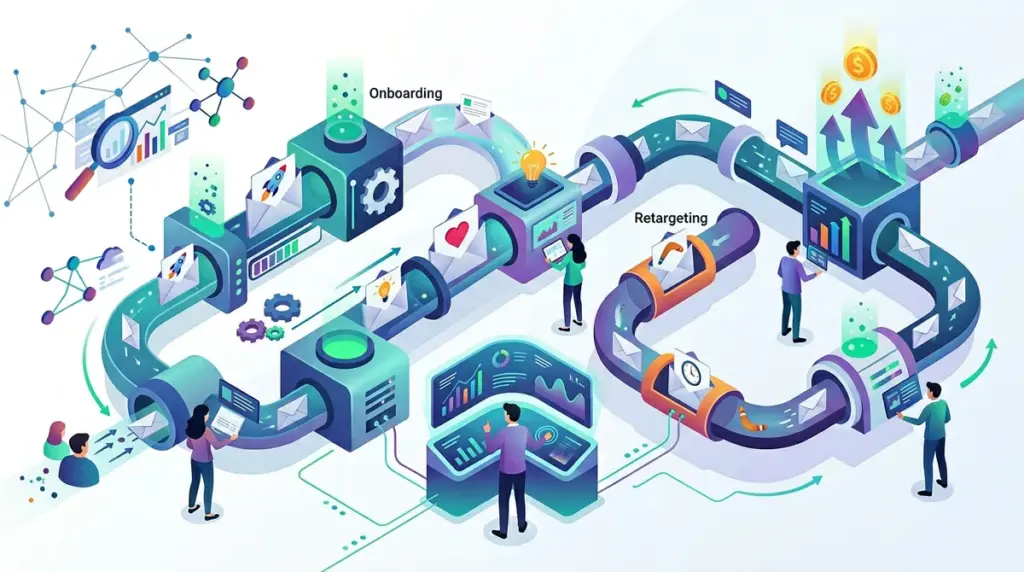
SaaS growth is a game of retention, not just acquisition. While marketing teams often obsess over the top of the funnel, the real revenue growth happens in the gap between a sign-up and a long-term subscription. If your email strategy is limited to a generic monthly newsletter, you are leaving money on the table and allowing churn to erode your customer acquisition cost (CAC). A lifecycle email strategy automates the process of moving users from "curious" to "power user" by delivering specific instructions based on their actual behavior within the app.
High-Intent Onboarding and the First "Aha" Moment
The primary goal of an onboarding sequence is to reduce time-to-value (TTV). If a user signs up for an SEO tool but hasn't connected their Search Console or uploaded a keyword list within 48 hours, the probability of them converting to a paid plan drops significantly. Your onboarding emails should not be a tour of every feature; they should be a direct path to the single most important action that proves your software works.
The First 24 Hours: Reducing Friction
The welcome email should trigger immediately upon account creation. Instead of a "Thanks for joining" message, use this space to provide a clear CTA for the next logical step. For a technical SEO tool, this might be "Run your first site audit." For a distribution platform, it might be "Submit your first URL."
Best for: Trial users who have registered but have not yet engaged with core functionality.
The Milestone Celebration
Positive reinforcement keeps users coming back. When a user completes a setup task, send a short, automated confirmation that highlights the benefit they just unlocked. For example: "Your first 50 backlinks are now being tracked. You'll receive an alert the moment any of them change status." This shifts the perception of your tool from a "task" to a "value provider."
Behavior-Triggered Retention Sequences
Retention emails are the defense against "zombie users"—those who pay for a subscription but stop logging in. These users are the most likely to churn at the end of their billing cycle. You need triggers that detect inactivity and offer a specific reason to return.
Feature Adoption for Stagnant Users
If a user is only using 10% of your platform's capabilities, they are less likely to see the full ROI. Use segmentation to identify users who haven't touched a high-value feature. If you have an outreach tool and a user hasn't tried the automated follow-up feature, send a case study or a 60-second video showing how that specific feature saves five hours a week.
- Open Rate Benchmarks: Aim for 40%+ on behavior-triggered emails compared to 20% for generic broadcasts.
- Segmentation Criteria: Last login date, specific feature usage, and credit consumption.
- Optimization Tip: Use "Plain Text" styles for these emails to make them feel like a personal note from a Success Manager rather than a marketing blast.
Warning: Avoid "over-automation" where a user receives three different emails because they triggered multiple sequences simultaneously. Use a marketing automation platform that allows for "Global Suppression" or "Priority Routing" to ensure the user only sees the most relevant message.
Expansion Revenue via Usage-Based Triggers
Expansion revenue—getting existing customers to pay more—is the most cost-effective way to grow a SaaS. Instead of waiting for the user to realize they need an upgrade, your email system should monitor their usage limits and nudge them when they hit 80% capacity.
Example: "You’ve used 800 of your 1,000 monthly credits. To ensure your tracking doesn't pause mid-month, you can toggle on auto-recharge or upgrade to the Pro plan here." This is a service-oriented approach rather than a hard sell, making it much more effective at converting users to higher tiers.
Reactivation and Churn Mitigation
Churn happens in two ways: active (canceling) and passive (payment failure or loss of interest). Your lifecycle strategy must address both. When a user clicks "Cancel," the email sequence shouldn't just say goodbye. It should ask for a specific reason why and, if possible, offer a "pause" option instead of a full cancellation. This keeps the data intact and makes it easier for them to return later.
The Sunset Policy for Inactive Leads
Not every lead is worth keeping on your list. If a user hasn't opened an email or logged into the app in 90 days, they are skewing your data and hurting your deliverability. Send a "We’re cleaning up our list" email. If they don't click a "Keep me subscribed" link, remove them. This ensures your sender reputation remains high for your active, paying customers.
Operationalizing the Lifecycle Strategy
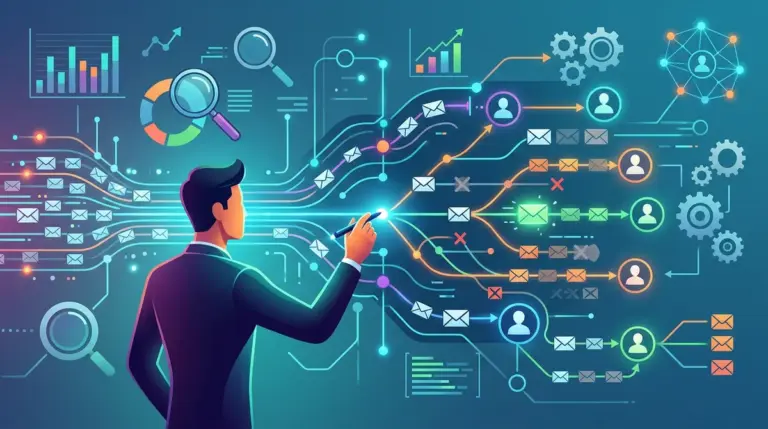
Building these sequences is not a "set it and forget it" task. You must audit your triggers quarterly to ensure they align with your current product UI and feature set. Start by mapping your user journey in a flowchart, identifying every point where a user might get stuck. Then, write one email for each of those friction points. Prioritize the "Aha" moment first, as that has the highest impact on trial-to-paid conversion rates. Once your onboarding is solid, move to expansion and win-back sequences to stabilize your Monthly Recurring Revenue (MRR).
Frequently Asked Questions
How many emails should be in an onboarding sequence?
Most successful SaaS brands use between 4 and 7 emails over the first 14 days. The frequency should be high in the first 72 hours and taper off as the user becomes more active.
Should I offer discounts in my win-back emails?
Discounts should be a last resort. First, try to solve the problem that caused them to leave (e.g., lack of time, missing feature). If that fails, a "3 months at 50% off" offer can be effective for price-sensitive users who still see value in the tool.
What is the most important metric for lifecycle emails?
While open rates matter, the "North Star" metric for lifecycle emails is the "Click-to-Activity" rate. You want to measure how many people clicked the email and then performed the desired action within your software.