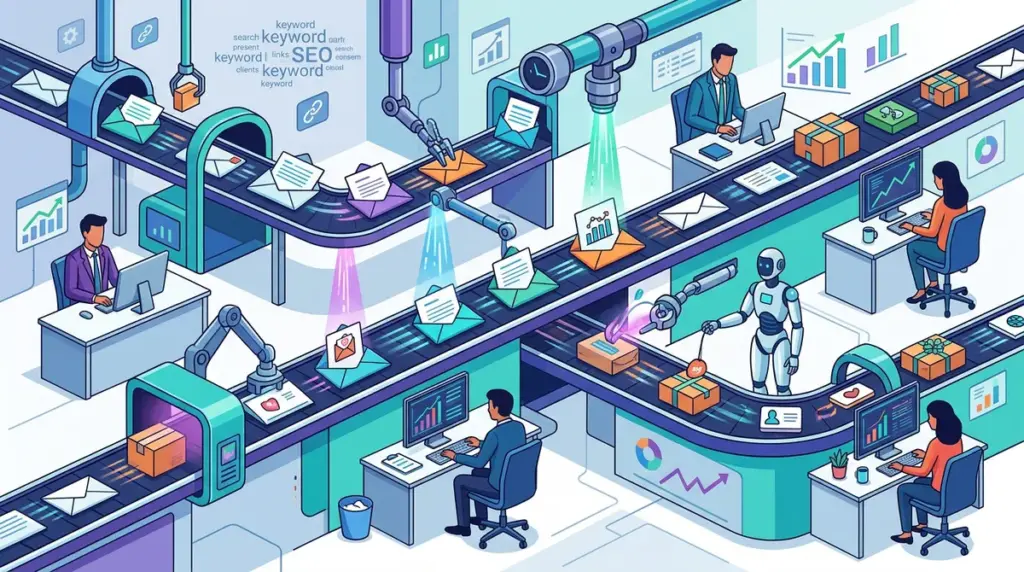
Outreach ROI is a function of two competing variables: the volume of emails sent and the conversion rate of those emails. Most SEO agencies fail because they lean too hard into one extreme. They either blast thousands of generic templates that get flagged as spam or spend forty minutes researching a single prospect for a link that might never materialize. To maintain high margins, your team must reach a "personalized at scale" state where the cost-per-acquisition (CPA) remains low while response rates stay above the industry average of 1-3%.
Effective personalization is not about proving you read every word of a prospect’s blog. It is about demonstrating relevance. If a site owner believes you understand their niche and have something of value to offer their specific audience, they will engage. This requires a shift from manual research to a modular, data-driven workflow.
Segmenting Prospect Lists by Technical and Content Intent
The biggest bottleneck in personalization is treating a list of 500 prospects as a single entity. Scaling requires breaking that list into smaller, high-intent cohorts. When you segment by specific criteria, you can use a "semi-custom" template that feels deeply personal to the recipient but is actually applied to 50 people at once.
Best for: Agencies managing multiple clients in overlapping niches.
- By Technical Gap: Use SEO crawlers to identify sites with broken links, missing images, or outdated statistics. Your outreach is then framed as a technical "favor" rather than a cold pitch.
- By Recent Coverage: Group prospects who have written about a specific sub-topic (e.g., "SaaS churn rates") in the last 60 days. Your hook is already defined by their recent editorial calendar.
- By Content Format: Target sites that heavily use infographics or listicles. Your pitch should specifically offer a complementary asset that fits their existing visual style.
Building a Modular Outreach Template
A modular template uses dynamic variables that go beyond the basic {{First_Name}} or {{Website_Name}} tags. The goal is to create a structure where 80% of the email is static and 20% is populated by custom data fields. This 20% should ideally appear in the first two sentences of the email to ensure it shows up in the recipient's inbox preview.
The First-Line Strategy for Maximum Open Rates
The "first line" is the most labor-intensive part of outreach. Instead of having your senior SEOs do this, use a data enrichment specialist or a virtual assistant to find one specific, non-generic fact about the prospect. This could be a recent award, a specific quote from a podcast, or a unique take they had on a LinkedIn post. By moving this data collection to a lower-cost stage of the pipeline, your outreach managers can focus on managing the actual negotiations.
Warning: Avoid using automated AI "icebreakers" without a human audit. Generic AI-generated compliments like "I love how you provide value to your readers" are now easily spotted by savvy webmasters and often lead to immediate "Report Spam" clicks.
Leveraging Data Enrichment to Automate Context
Personalization becomes faster when you pull data from third-party APIs directly into your outreach CRM. Instead of manually checking a site’s authority or top-performing pages, you can automate the population of custom fields. For example, you can use tools to pull the title of their most-shared article from the last six months and reference it automatically.
Practical Workflow:
1. Export a list of targets from your preferred backlink analysis tool.
2. Run the list through a data enrichment service to find the actual editor's name (not "Admin" or "Webmaster").
3. Use a scraper to identify the "Target Keyword" the site is currently ranking for in positions 4-10.
4. Pitch a guest post or a resource that specifically helps them bolster the authority of that ranking page.
The Bridge Technique: Connecting the Hook to the Pitch
The most common mistake in personalized outreach is the "non-sequitur." This happens when an email starts with a compliment about a recent article but then pivots to a completely unrelated pitch. This feels manipulative and reduces trust. The "Bridge" technique ensures your personalization serves the pitch.
If you are pitching a guest post about "Remote Team Management," your personalized hook should mention a specific challenge the prospect recently tweeted about regarding remote culture. The bridge then explains why your proposed content solves that specific challenge or adds a new perspective to their existing conversation. This makes the personalization feel like research rather than a gimmick.
Managing the Workflow with a Hybrid Human-AI Model
To speed up the process, use AI to categorize your prospects and suggest the "Bridge" logic, but keep a human editor at the final gate. A human should spend no more than 30 seconds per email reviewing the custom fields before hitting send. This hybrid approach allows a single team member to manage 100+ high-quality, personalized outreaches per day—a volume that would be impossible with traditional manual research.
Auditing Your Outreach Velocity and Conversion
To ensure your team isn't slowing down, you must track "Time-to-Send" alongside your "Reply Rate." If personalization is increasing your reply rate by 5% but slowing down your sending volume by 50%, you are losing net links. The sweet spot is a system where personalization takes less than two minutes of total human labor per prospect, including research and data entry.
Regularly audit your custom fields. If a specific variable (like referencing a site's "About Us" page) isn't moving the needle on conversions, cut it from the workflow. Focus only on the personalization points that prove you are a peer in their industry, not just a fan of their blog.
Frequently Asked Questions
How much personalization is actually necessary for a response?
In most B2B and SEO niches, one specific, relevant observation is enough. You do not need to summarize their entire career. Mentioning one specific data point or a unique opinion they published is usually sufficient to prove you aren't a bot.
Does personalization help with email deliverability?
Yes. Spam filters look for identical outgoing messages. By using dynamic variables and modular templates, every email you send is technically unique. This significantly reduces the chances of your domain being blacklisted by major providers like Gmail or Outlook.
What is the best way to train a team on this workflow?
Start by creating a "Snippet Library." Instead of writing from scratch, give your team a set of pre-approved "Bridges" for different scenarios (e.g., broken link bridge, content gap bridge, ego-bait bridge). This keeps the voice consistent while allowing for individual prospect customization.
Should I personalize follow-up emails?
The first email should carry the bulk of the personalization. Follow-ups can be more functional, focusing on the value proposition or a simple "bump" to the top of the inbox. However, referencing the original personalized hook in the follow-up can help maintain the thread of relevance.