

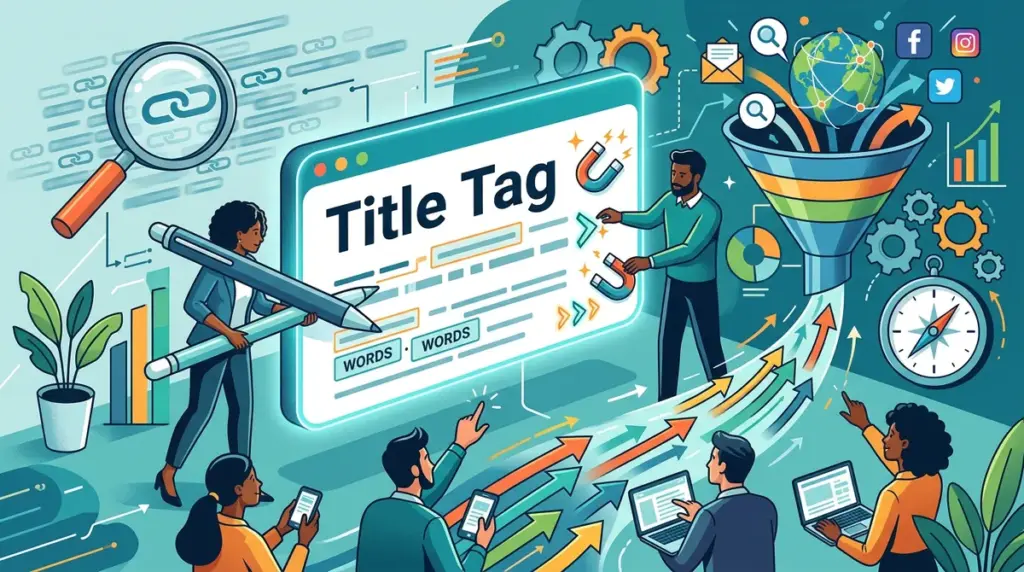
Ranking on the first page of Google is only half the battle. If your listing fails to earn the click, your search visibility is a wasted asset. The title tag remains the single most influential on-page element for both search engine relevance and user click-through rate (CTR). In a landscape where "zero-click" searches are rising, your title must act as a high-performance ad unit that promises immediate value and aligns perfectly with user intent. To ensure your title tags are performing optimally, consider performing a regular audit your meta titles and descriptions.
The Technical Constraints of the 600-Pixel Window
Google does not technically count characters; it measures pixels. The search engine typically displays the first 580 to 600 pixels of a title tag. While this usually equates to roughly 50-60 characters, wide letters like "W" or "M" take up more space than "i" or "l." If your title exceeds this limit, Google will truncate it with an ellipsis (...), often cutting off your most persuasive call to action or brand name.
Practical Metric: Aim for 55 characters to ensure your message remains intact across both desktop and mobile devices. Mobile screens often allow for slightly longer titles in terms of lines, but sticking to the 60-character rule ensures cross-device consistency.
Front-Loading Keywords for Cognitive Ease
Users scan search results in an "F-pattern," focusing heavily on the first two or three words of a listing. To capture this fleeting attention, place your primary target keyword at the very beginning of the title tag. This provides immediate "information scent," confirming to the user that your page is the most relevant result for their query.
For example, instead of "The Ultimate Guide to Improving Your Business Through Content Marketing," use "Content Marketing Guide: Grow Your Business in 2024." The latter immediately identifies the topic, reducing the cognitive load required for the user to decide to click.
Matching Search Intent Types
Your title tag must reflect the specific stage of the buyer’s journey. A mismatch between the title's promise and the user's goal leads to high bounce rates and declining rankings.
- Informational Intent: Use words like "How-to," "Guide," "Tips," or "Examples." (e.g., "How to Clean Suede Shoes Without a Kit")
- Transactional Intent: Focus on "Buy," "Price," "Cheap," or "Sale." (e.g., "Men’s Running Shoes | Free Shipping & Returns")
- Commercial Investigation: Use "Best," "Review," or "Comparison." (e.g., "Top 10 CRM Software for Small Agencies [2024 Review]")
Pro Tip: Google occasionally rewrites title tags in the SERPs if it deems your H1 tag or anchor text from external links more relevant to the user's specific query. To prevent this, ensure your title tag and H1 are closely aligned but not identical, and avoid over-optimizing with repetitive keywords.
The Psychology of the "Click Hook"
To differentiate your link from nine others on the page, you need a hook that addresses a specific pain point or offers a unique benefit. Generic titles are ignored; specific, data-driven titles earn clicks.
Using Brackets and Parentheticals
Studies in the SEO industry consistently show that adding brackets—like [Case Study], [Template], or (New Data)—can increase CTR by up to 40%. They provide a visual break and signal the format of the content, which helps the user understand exactly what they will get before they click.
The Power of Numbers and Lists
Odd numbers tend to perform better than even numbers because they appear more authentic and less "packaged." Instead of "10 Ways to Save Money," try "7 Proven Tactics to Reduce Monthly Expenses." Additionally, using specific numbers like "How I Gained 1,243 Subscribers" is more compelling than "How I Gained Many Subscribers" because it implies a concrete, replicable process.
Auditing Your Performance via Search Console
Improving CTR is an iterative process. You should not "set and forget" your title tags. Instead, use Google Search Console (GSC) to identify "underperforming" pages. These are pages with high impressions (showing they rank well) but a CTR lower than the average for that position.
Step-by-Step Workflow:
- Open GSC and navigate to the Performance report.
- Filter by "Pages" and compare "Total Clicks" and "Total Impressions."
- Identify pages in positions 1-5 with a CTR below 3%.
- Rewrite the title tag using a different hook (e.g., change a generic title to a listicle format).
- Annotate the change and monitor the CTR over the next 30 days.
Avoiding the "Template Trap" in CMS Defaults
Many Content Management Systems (CMS) default to a title tag structure like: Post Title | Brand Name. While this is acceptable for homepage branding, it often wastes valuable pixel real estate on deep-level pages. If your brand is not a household name, the brand name at the end of every title adds little value to the user. On high-competition pages, consider removing the brand suffix entirely or shortening it to allow for more descriptive, benefit-driven copy.
Refining Your Title Strategy for Long-Term Gains
A high CTR signals to search engines that your result is the most helpful for a given query, which can lead to a positive feedback loop of higher rankings. Focus on clarity over cleverness. Avoid "clickbait" titles that fail to deliver on their promise, as the resulting high bounce rate will eventually tank your rankings. Instead, treat every title tag as a micro-experiment in copywriting. By consistently testing different angles—urgency, utility, or curiosity—you can turn your existing search rankings into a significantly larger stream of qualified traffic.
Frequently Asked Questions
Should I include my brand name in every title tag?
It depends on your brand authority. For established brands, it builds trust. For smaller sites, it is often better to use that space for descriptive keywords or a stronger call to action. If you do include it, place it at the end of the tag separated by a pipe (|) or dash (-).
Does changing a title tag hurt my rankings?
If you remove primary keywords, your rankings may drop. However, if you keep the core keywords and simply improve the phrasing to be more attractive to users, your rankings often improve over time due to better engagement signals.
How long does it take for a title tag change to show in Google?
Google must recrawl the page to see the update. This can take anywhere from a few minutes to several days. You can speed up this process by using the "URL Inspection" tool in Google Search Console to "Request Indexing."
Are emojis in title tags a good idea?
Emojis can help a listing stand out in a sea of text, but they are not appropriate for every niche. Use them for B2C or lifestyle content, but use caution in professional, legal, or medical sectors where they might undermine your authority.


